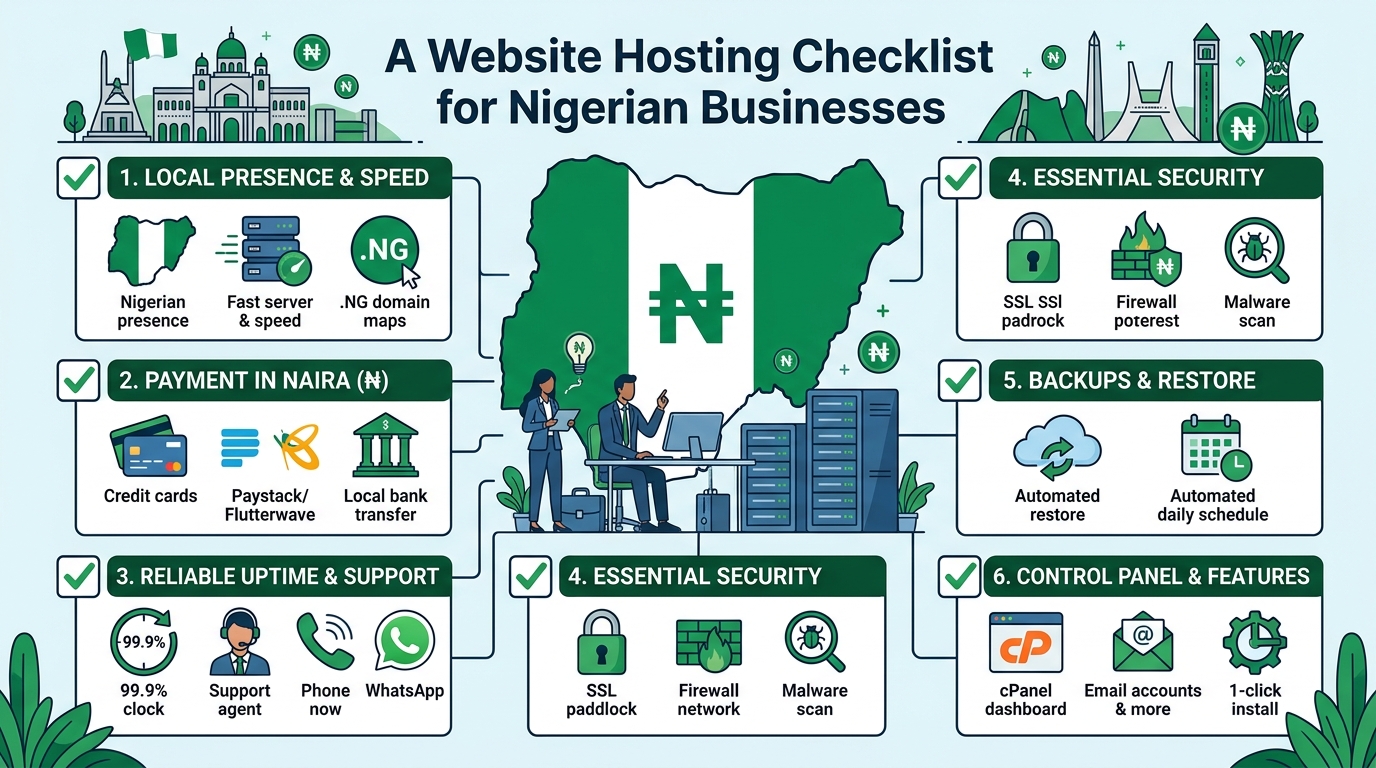
A Website Hosting Checklist for Nigerian Businesses
Choosing website hosting is an important decision for any Nigerian business. Your hosting service affects how quickly your website loads, how reliably it stays online, how secure it is and how easy it is to manage.
The cheapest plan is not always the best choice, and the most advanced plan may provide more capacity than your organisation currently needs. A small business, church, law firm and growing online company can have very different hosting requirements.
Use this checklist to compare hosting providers and select a plan that fits your website, budget and future goals.
1. Identify what your website needs
Before comparing hosting packages, define the purpose of your website. A simple business website with a few pages has different requirements from an online shop, membership platform or busy company portal.
Consider the following questions:
- How many pages will your website have?
- Will you publish blog posts, videos, documents or other large files?
- Will visitors submit contact forms or make enquiries?
- Will you sell products or accept online payments?
- Will your church need event information, sermons or donation features?
- Will a law firm publish downloadable legal resources or client information?
- Do you expect traffic to increase over time?
For a basic company profile, a standard shared hosting plan may be appropriate. A website with more traffic, demanding applications or specialised technical requirements may eventually need VPS or cloud hosting.
2. Check the hosting resources
Hosting plans often differ in the amount of storage, processing capacity, memory and other resources they provide. Do not compare plans based only on the number of websites or the advertised storage.
Storage
Storage is used for website files, databases, email accounts, images, backups and other data. Estimate your current needs, then allow room for growth. Large images, videos and downloadable documents can use storage quickly.
Bandwidth and traffic
Bandwidth relates to the amount of data transferred between your website and its visitors. A page containing large images or files can use more bandwidth than a simple text page. Ask how the provider manages usage and what happens if your website grows beyond the plan’s normal capacity.
Server resources
Shared hosting places multiple websites on the same server environment. It can be a practical starting point for many small websites, but performance may be affected by the activities of other accounts. If your website needs more consistent resources, ask whether VPS or cloud hosting is available as an upgrade.
3. Ask about reliability and uptime
Your website should be available when potential customers, members, clients or visitors try to access it. A hosting provider should clearly explain how it works to maintain reliable service and respond to technical problems.
When assessing reliability, ask:
- Is there an uptime commitment in the service terms?
- How are server faults monitored?
- How does the provider communicate during service interruptions?
- Is technical support available when your website has a problem?
- Are there planned maintenance windows?
Avoid choosing a provider based on an uptime figure alone. Read the terms carefully and look for a clear support process. It is also useful to keep your own website monitoring in place so you know when important pages become unavailable.
4. Review website speed features
Website speed affects the experience of visitors, particularly people using mobile devices or less consistent internet connections. Hosting is only one part of performance, but it provides the foundation.
Look for a hosting environment that supports modern website software and efficient server configuration. Ask whether the plan supports caching, current PHP versions where relevant, databases suited to your website platform and secure connections.
You should also optimise your own website by resizing images, reducing unnecessary plugins, choosing a lightweight design and keeping software updated. A powerful hosting plan cannot fully compensate for an overloaded or poorly maintained website.
5. Confirm security and backup arrangements
Security should be a basic requirement, not an optional extra. A compromised website can damage your reputation, interrupt business operations and expose information.
Before signing up, check whether the provider offers or supports:
- SSL certificates for encrypted connections
- Server-level security measures
- Protection against common malicious activity
- Malware detection or cleanup options
- Account isolation or access controls
- Regular backups
Backups are especially important, but do not assume that a backup exists simply because it is mentioned in a plan. Ask how often backups are created, how long they are retained and whether you can restore your website yourself or need to contact support.
Keep an independent copy of important website content where possible. Your organisation should also use strong passwords, enable available multi-factor authentication and limit administrative access to people who need it.
6. Choose and protect your domain name
Your domain name is the address people use to find your website. It should be easy to remember, relevant to your organisation and simple to communicate by phone or in person.
When purchasing a domain, confirm:
- Who will be listed as the registrant or owner?
- How will domain renewal reminders be sent?
- Can you manage domain settings yourself?
- What are the renewal and transfer procedures?
- Is domain privacy available and suitable for your registration?
Keep control of the domain account and its recovery email address. A web designer or staff member may help manage the website, but the organisation should retain access to the domain and hosting accounts.
7. Understand email hosting
Professional email addresses using your domain can help your organisation present a consistent identity. However, email services have different storage, security and sending limits.
Ask whether the hosting plan includes business email and find out how many mailboxes, aliases and forwarding addresses are available. Check the mailbox size and whether webmail and mobile access are supported.
Also ask how the provider handles spam and whether the domain can be configured with email authentication records. Correct email configuration can help legitimate messages reach recipients and reduce the risk of someone impersonating your domain.
8. Evaluate customer support
When a website stops working, access to knowledgeable support can be more valuable than a small difference in monthly cost. This is particularly important for organisations without an in-house technical team.
Check the available support channels, operating hours and expected response process. Ask whether support can help with common tasks such as domain connections, SSL activation, email configuration, database issues and restoring a backup.
Good support should make technical information understandable. Before buying, you can assess the provider’s communication by asking specific questions about your intended website rather than relying only on general sales descriptions.
9. Read the pricing and renewal terms
Hosting costs can include more than the initial advertised plan. Compare the full cost over the period you expect to use the service.
Review:
- Initial and renewal pricing
- Domain registration and renewal charges
- SSL or backup costs, if charged separately
- Migration or setup fees
- Upgrade costs
- Taxes or payment-related charges
- Cancellation and refund terms
Choose a payment arrangement your organisation can manage consistently. An expired domain or suspended hosting account can make a website unavailable, so assign someone to monitor renewal dates.
10. Consider future growth
Your first hosting plan does not have to support every possible future project, but your provider should offer a sensible path for growth. Ask whether you can increase resources, host additional websites, move to VPS hosting or use cloud hosting when necessary.
For example, a law firm may begin with a brochure website and later add a knowledge centre. A church may add online registration, media resources or donation tools. A growing SME may introduce an online shop or customer portal. Planning for these possibilities can reduce the disruption of changing providers later.
11. Check migration and ownership policies
If you already have a website, ask how it will be moved to the new host. Confirm whether the provider can assist with transferring files, databases, email accounts and domain settings.
Make sure you will receive access to the key components of your website. This includes the hosting control panel, domain management, website files, databases and relevant administrator accounts. Clear ownership and access arrangements reduce problems if your web developer, employee or agency changes.
A simple decision checklist
| Question | What to confirm |
|---|---|
| What type of website do we have? | Basic website, blog, online shop, portal or application |
| Can the plan handle our content? | Storage, traffic, databases and email capacity |
| How will problems be handled? | Support channels, availability and response process |
| Is our website protected? | SSL, security controls and backup arrangements |
| What will we pay over time? | Renewals, add-ons, upgrades and cancellation terms |
| Can we grow? | Upgrade options and migration support |
Conclusion
The right hosting plan should be secure, manageable and suitable for your organisation’s current needs. Start by understanding your website, then compare resources, reliability, support, security, domain ownership and total costs.
For many Nigerian SMEs, churches and professional firms, a well-supported standard hosting plan can provide a practical starting point. As traffic and technical requirements increase, VPS or cloud hosting may offer a more suitable next step. Taking time to check these details before you buy can help your organisation avoid unnecessary costs and keep its website dependable.