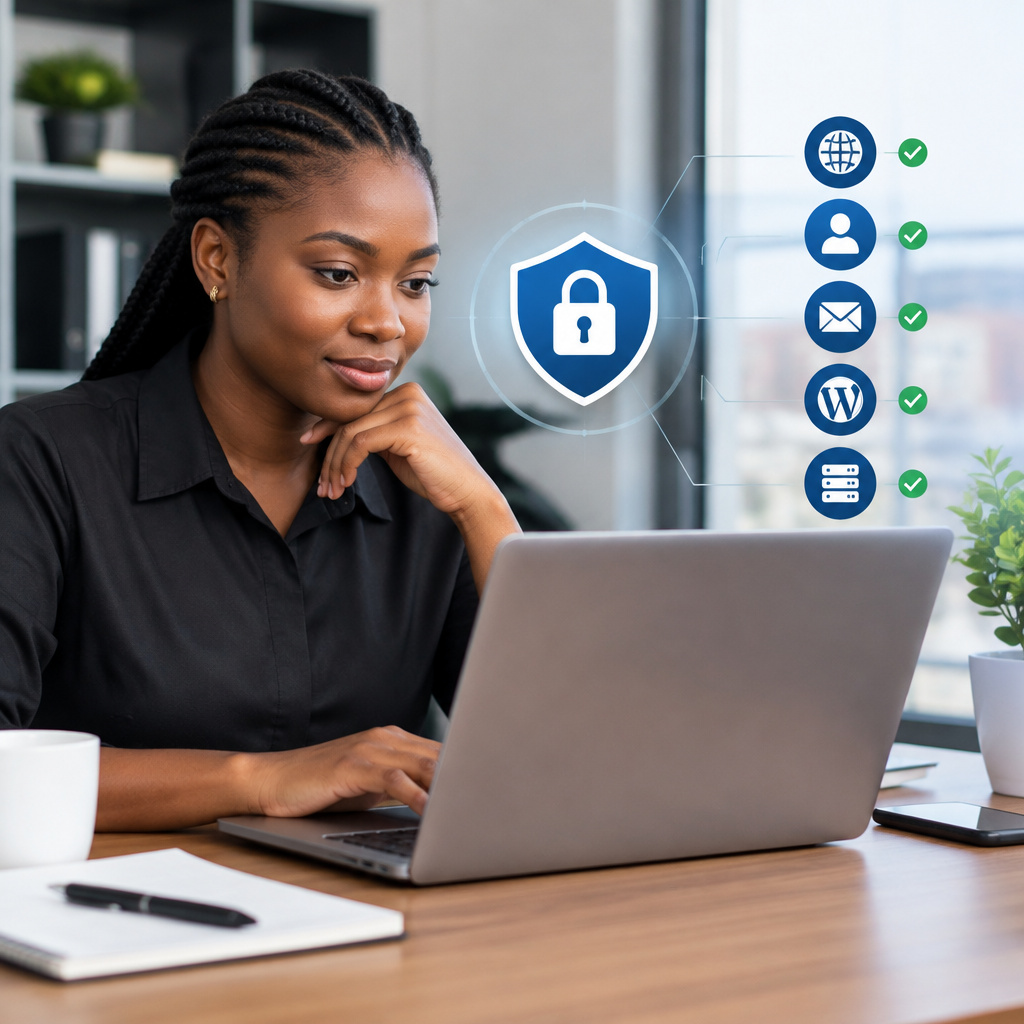
A Practical Security Checklist for a Small Business Website
A website does not need to be large to attract security problems. A small business site may still contain customer enquiries, payment information, business email accounts, contact details and access to important digital assets. If the site is compromised, the damage can include lost enquiries, defaced pages, stolen accounts, spam from your domain or a complete loss of access.
Website security is not a single product that you install once. It is a set of practical habits and safeguards covering your website, hosting account, domain, email and the people who can access them. The following checklist is designed for Nigerian small businesses, entrepreneurs and organisations that want sensible protection without becoming server administrators.
1. Secure the accounts that control your website
The most important security step is protecting the accounts that can change or remove your website. These usually include your domain registrar, hosting account, website administration panel, business email and content management system such as WordPress.
- Use a different, strong password for every important account.
- Store passwords in a reputable password manager rather than in a notebook or shared chat.
- Enable multi-factor authentication wherever it is available.
- Review who has administrator access and remove accounts belonging to former staff, developers or agencies.
- Keep recovery email addresses and phone numbers accurate and accessible.
Do not allow one person’s personal email account to become the only way to recover a business domain or hosting account. At least one additional trusted person should understand where access is kept and how to recover it.
2. Confirm that your business owns its digital assets
Security also includes ownership and control. A business can have a technically secure website and still face serious risk if nobody internally controls the domain, hosting account or email administration.
Check that the domain registration details are accurate and that renewal reminders go to an active business-controlled email address. Record the registrar, hosting provider, renewal date and account owner in a secure internal document. The same principle applies to the website files, databases, email accounts and any third-party services connected to the site.
This is especially important after working with a freelancer or web developer. A developer may need access to build or maintain the website, but the business should retain the main ownership and recovery details. Do not wait until a domain is about to expire or a website needs urgent changes before discovering that access is missing.
3. Keep WordPress, themes and plugins updated
Outdated software is a common source of website vulnerabilities. If your site uses WordPress, security maintenance should include the WordPress core software, themes and plugins—not just the visible pages.
- Install updates from trusted sources.
- Remove plugins and themes that are no longer used.
- Avoid downloading premium software from unofficial websites.
- Check whether an update is compatible with your site before applying it to a critical production website.
- Use a staging copy or a reliable backup before major changes.
Every plugin adds functionality, but it may also add maintenance requirements. A small business website generally benefits from a lean setup with only the tools it actually needs. Removing unused components reduces confusion and makes future security checks easier.
4. Use HTTPS and check your SSL certificate
HTTPS encrypts the connection between a visitor’s browser and your website. It helps protect information sent through contact forms, login pages and other interactions. Visitors also expect to see a secure connection when they open a business website.
Check that:
- Your website loads with https://, not only with an unsecured HTTP address.
- The browser does not show a certificate warning.
- Visitors are redirected consistently to the secure version of the site.
- Images, scripts and other page elements also load securely.
An SSL certificate is important, but it is not a complete security solution. HTTPS protects data while it travels between the visitor and the site; it does not prevent weak passwords, vulnerable plugins, malware or an insecure hosting account.
5. Set up backups that you can actually restore
A backup is useful only if it exists, is recent and can be restored. Backups provide a recovery option after a hack, accidental deletion, faulty update, server problem or other unexpected incident.
Your backup plan should cover both the website files and the database. Keep more than one recent copy, and avoid storing every copy in the same location as the live website. If an attacker gains control of the hosting account, backups stored there may also be affected.
For a practical routine, decide:
- How often the site is backed up.
- How long older backups are retained.
- Where backup copies are stored.
- Who can access them.
- How a restoration will be requested or completed.
Test the process occasionally. A simple restoration test can reveal missing files, incorrect credentials or backups that were never completing successfully.
6. Protect business email, not just the website
Business email accounts are valuable targets because they may be used to reset passwords, approve payments or impersonate the business. A compromised mailbox can expose customer conversations and allow fraudulent messages to be sent from a familiar address.
Use strong, unique passwords and multi-factor authentication where available. Be careful with unexpected attachments, payment-change requests and urgent messages that appear to come from suppliers or managers. Confirm sensitive requests through a separate communication channel.
Review forwarding rules and mailbox delegates. Attackers sometimes create hidden forwarding rules so that incoming messages continue to be copied elsewhere even after a password is changed.
Domain-based email, such as [email protected] or a suitable Nigerian domain, can support a more professional customer experience. It still needs proper account management, access reviews and protection against phishing.
7. Limit access and separate administrator accounts
Not everyone who updates a page needs full administrator privileges. Give each person only the access required for their role. For example, an editor may be able to publish content without being able to install plugins or change other users’ passwords.
Each person should have an individual account. Shared administrator logins make it difficult to identify changes and create a problem when one team member leaves. Remove unused accounts promptly and change access when responsibilities change.
For a small organisation, maintain a simple access record listing the system, users with access and the person responsible for reviewing it. This can cover hosting, domain registration, WordPress, email, analytics and payment-related services.
8. Check forms, payments and customer information
Review every place where visitors submit information. Contact forms should collect only what the business needs, and submissions should be delivered to a protected mailbox. Avoid displaying sensitive customer information publicly or storing it in an unprotected spreadsheet.
If the website accepts payments, use a reputable payment service and keep the payment provider’s security responsibilities separate from the website’s responsibilities. Do not store card details on the website unless you have the specialist systems and processes required to do so safely.
Test forms regularly from a phone and a computer. Confirm that enquiries arrive at the right address and that automatic replies do not reveal unnecessary internal information.
9. Monitor the website for warning signs
Small problems can be easier to handle when noticed early. Ask the person responsible for the website to check for unusual changes, unexpected administrator accounts, unfamiliar files, browser warnings, sudden redirects and unexplained spikes in email or hosting usage.
Keep basic records of when important changes are made. If a problem occurs, knowing when a plugin was installed, a password changed or a new user added can help identify the likely cause.
Also monitor the domain renewal date and email notifications from your hosting or domain provider. Losing a domain through an expired registration can interrupt both the website and domain-based email.
A simple monthly security routine
Security becomes easier when it is assigned to a clear routine rather than treated as an emergency task. Once a month, review the following:
- WordPress, theme and plugin updates.
- Unknown or unused user accounts.
- Backup completion and one restoration test when appropriate.
- SSL status and browser security warnings.
- Domain renewal and ownership details.
- Email forwarding rules and administrator access.
- Recent website changes and unusual activity.
For a business that does not have technical staff, managed WordPress support or dependable hosting support can reduce the burden. The goal is not to make every business owner learn server administration. It is to ensure that important maintenance has an accountable owner and that problems have a clear path to resolution.
Use the checklist to reduce business risk
No checklist can promise perfect security. However, strong account protection, accurate ownership records, current software, HTTPS, tested backups, controlled access and secure business email address many of the everyday risks facing small websites.
Start with the systems that would cause the greatest damage if lost: your domain, hosting account, email and website administration. Secure those first, document who controls them, and create a regular maintenance routine. A reliable website is not only about being online; it is also about keeping control, protecting customer trust and giving the business a dependable digital home.