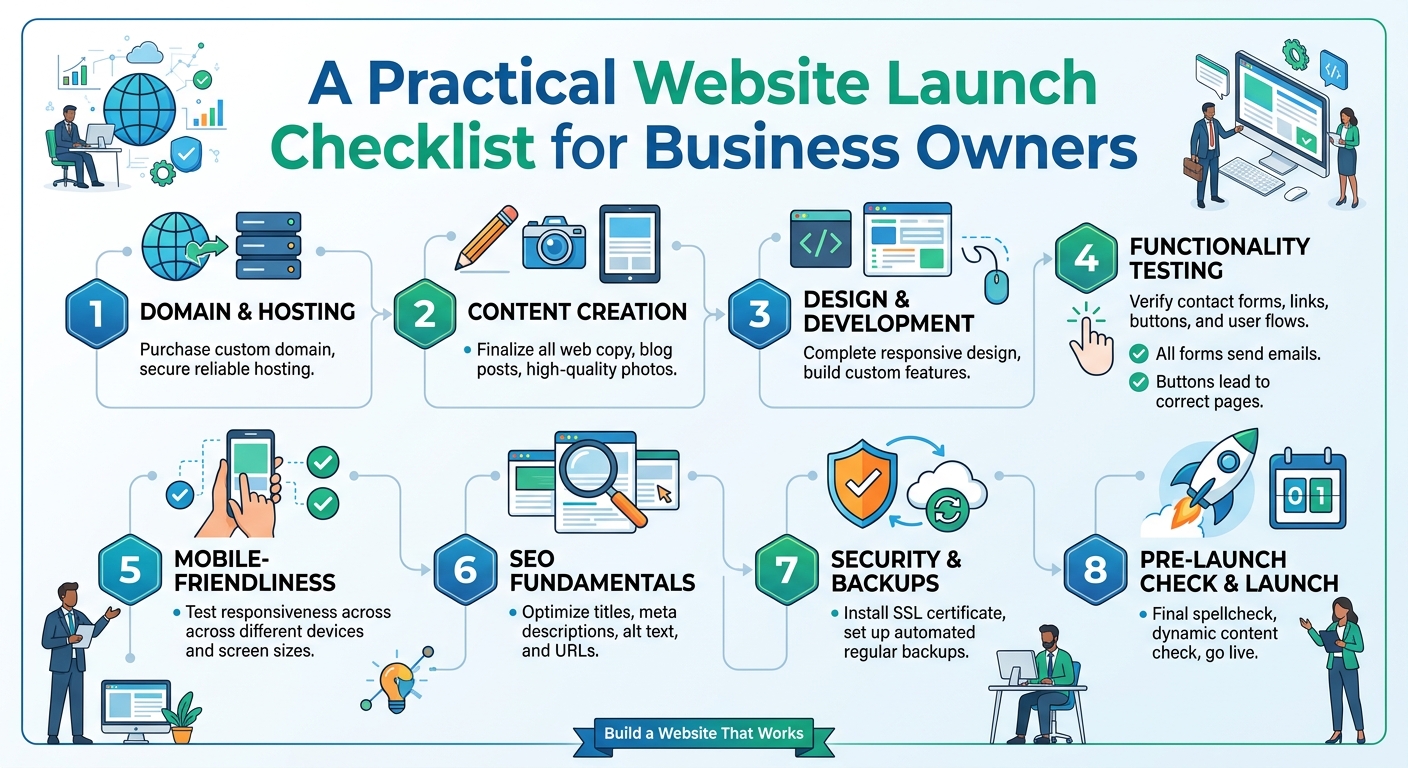
A Practical Website Launch Checklist for Business Owners
Launching a business website is an important step for a small business, church, law firm or growing organisation. Your website can help people understand what you offer, find your contact details and decide whether to work with you. However, a successful launch involves more than choosing a design and publishing a few pages.
A proper launch process helps you avoid broken links, missing information, security gaps and problems that could frustrate visitors. Use this checklist to plan your website, prepare its technical foundation and confirm that everything works before you share the link publicly.
1. Define the website’s purpose
Start by deciding what the website needs to achieve. A website designed to generate enquiries may require clear service pages and contact options. A church website may focus on meeting information, announcements and online resources. A law firm may need to explain its areas of practice and provide a professional way for prospective clients to get in touch.
Write down the main goal and one or two supporting goals. Examples include:
- Helping potential customers understand your services.
- Generating calls, messages or enquiry form submissions.
- Providing opening hours, location and other essential information.
- Publishing news, announcements or educational content.
- Building trust before a visitor contacts your organisation.
Clear goals make it easier to decide which pages, features and calls to action are necessary. They also help prevent your website from becoming crowded with tools that do not support your business.
2. Choose and register the right domain
Your domain is the address people use to find your website. It should be easy to remember, easy to spell and closely connected to your organisation or brand. If possible, use a short name without unnecessary numbers, punctuation or complicated wording.
Before purchasing a domain, check that:
- The name matches your organisation or trading name.
- You have checked the spelling carefully.
- The domain is suitable for the audience and market you serve.
- The registration details are accurate and controlled by your business.
- You know when the domain is due for renewal.
Keep your domain account details secure. A domain is a valuable business asset, and losing access to it can make it difficult to manage your website or business email.
3. Select hosting that fits your needs
Web hosting stores your website files and makes them available to visitors. The right hosting choice depends on the type of website you are launching, the features you need and the level of traffic you expect.
For a straightforward business website, an appropriate shared hosting plan may provide a practical starting point. Businesses with more demanding applications, higher resource requirements or specialised configurations may need VPS or cloud hosting. The important point is to match the hosting environment to the website rather than choosing a plan based only on the lowest price.
When comparing hosting options, consider:
- Whether the plan supports your website platform and software.
- Storage and resource limits.
- Available backup options.
- Security features and account access controls.
- How easily you can upgrade as the website grows.
- The quality and availability of technical support.
Sonhosting provides web hosting options for organisations that want to save time and avoid unnecessary complexity when setting up their online tools. Review the requirements of your website first, then select a plan that can support its current and likely near-term needs.
4. Prepare the essential website pages
A new website does not need dozens of pages to be useful. It does need the right information. Most business websites should consider the following core pages:
- Home: Explain who you are, what you offer and what visitors should do next.
- About: Provide relevant background about the business or organisation.
- Services: Describe each important service clearly and explain who it is for.
- Contact: Include reliable contact methods and any relevant business information.
- Frequently asked questions: Address common concerns before people contact you.
Depending on your organisation, you may also need pages for locations, team members, events, resources, testimonials supplied by real customers or legal and privacy information. Only publish information that is accurate and approved.
5. Check your content carefully
Visitors judge a website quickly, and small errors can reduce confidence. Review every page for spelling, grammar, outdated details and unclear wording. Ask someone who is unfamiliar with the business to read the pages. They may notice information that employees have assumed is obvious.
Check that:
- Your services are described in plain language.
- Prices, opening hours and availability are current if you publish them.
- Contact details are consistent across the website.
- Calls to action are clear, such as “Request a consultation” or “Contact us”.
- Images are relevant, sharp and suitable for the page.
- Text is easy to read on a mobile phone.
Avoid making promises that the business cannot consistently deliver. Professional content should be specific, honest and useful to the people you want to serve.
6. Test the website on different devices
Many visitors will access your website from a mobile phone. Test the layout on phones, tablets and desktop computers where possible. Look for text that is too small, buttons that are difficult to tap, images that overlap content and menus that do not open properly.
Complete the main visitor journey yourself. Start on the home page and try to find a service, read the relevant information and make contact. Test every important button, link and form. Do not assume that a feature works simply because it worked during development.
7. Review performance and accessibility
A website should be reasonably quick and usable for people with different devices, connection speeds and abilities. Large images, unnecessary plugins and poorly configured features can slow down a page.
Before launch:
- Compress large images while keeping them clear.
- Remove unused pages, plugins and design elements.
- Use descriptive headings and readable text.
- Add meaningful alternative text to important images.
- Make sure links and buttons are distinguishable.
- Check that key information is not available only through images.
These steps improve the experience for visitors and make the website easier to maintain.
8. Protect the website and its accounts
Security should be part of the launch plan, not an afterthought. Use strong, unique passwords for your hosting, domain, website administration and email accounts. Enable additional account protection where it is available, and limit administrative access to people who need it.
Confirm that your website uses HTTPS and that its software, themes and extensions are kept up to date. Arrange a backup process and understand how a backup can be restored. A backup is most useful when it can actually be recovered after a mistake or technical problem.
Also decide who is responsible for updates, renewals and security checks. Assigning ownership prevents important tasks from being forgotten when staff or service providers change.
9. Configure business email and contact notifications
A professional email address using your business domain can create a more consistent experience than relying only on a personal address. Before launch, test sending and receiving messages, including messages sent from website contact forms.
Check where form notifications are delivered and whether more than one responsible person should receive them. Send test enquiries from different devices and confirm that the messages do not disappear into an overlooked inbox. Add a simple confirmation message so visitors know whether their enquiry was submitted successfully.
10. Complete the final launch review
Use a final checklist before announcing the website:
- Confirm the correct domain points to the intended website.
- Review the home page, main service pages and contact page.
- Test navigation, buttons, forms and important links.
- Check the website on mobile and desktop screens.
- Verify HTTPS, backups, updates and administrator access.
- Remove placeholder text and unfinished sections.
- Confirm that contact information is accurate.
- Tell relevant staff how to handle enquiries received through the website.
It can be useful to ask one person to review the website as a first-time visitor rather than as someone involved in building it. A fresh perspective often reveals confusing navigation or unanswered questions.
11. Plan what happens after launch
Publishing the website is the beginning of its working life. Schedule regular reviews of your content, software, contact details and performance. Add useful updates when your services, events or operating arrangements change.
Monitor the questions people ask and the pages they use most. This information can guide future improvements, such as clearer service descriptions, additional frequently asked questions or a more direct enquiry process. If your website grows beyond the limits of its original hosting plan, review whether an upgrade or a different hosting environment is appropriate.
Conclusion
A careful website launch gives your organisation a stronger foundation online. Define your goals, choose a suitable domain and hosting plan, prepare accurate content, test the visitor experience and protect the accounts behind the website. Then keep the site current after launch.
Whether you are launching a small business website, a church website or a professional site for a law firm, a practical checklist can reduce avoidable problems and help visitors find the information they need with confidence.