Domain Privacy and Security: What Website Owners Should Know
Your domain name is more than a web address. It may lead customers to your website, business email, online store or booking system. If an unauthorised person takes control of it, your website can become unavailable, your email can stop working and customers may lose confidence in your business.
Domain privacy and domain security are related, but they solve different problems. Privacy helps limit the amount of personal contact information displayed in public registration records. Security helps prevent unauthorised changes, transfers or account access. A responsible website owner should understand both.
What domain privacy means
When you register a domain, the registrar collects contact and registration details. Some registration information may be available through public domain lookup services, although the exact information shown depends on the domain extension, registrar and applicable policies.
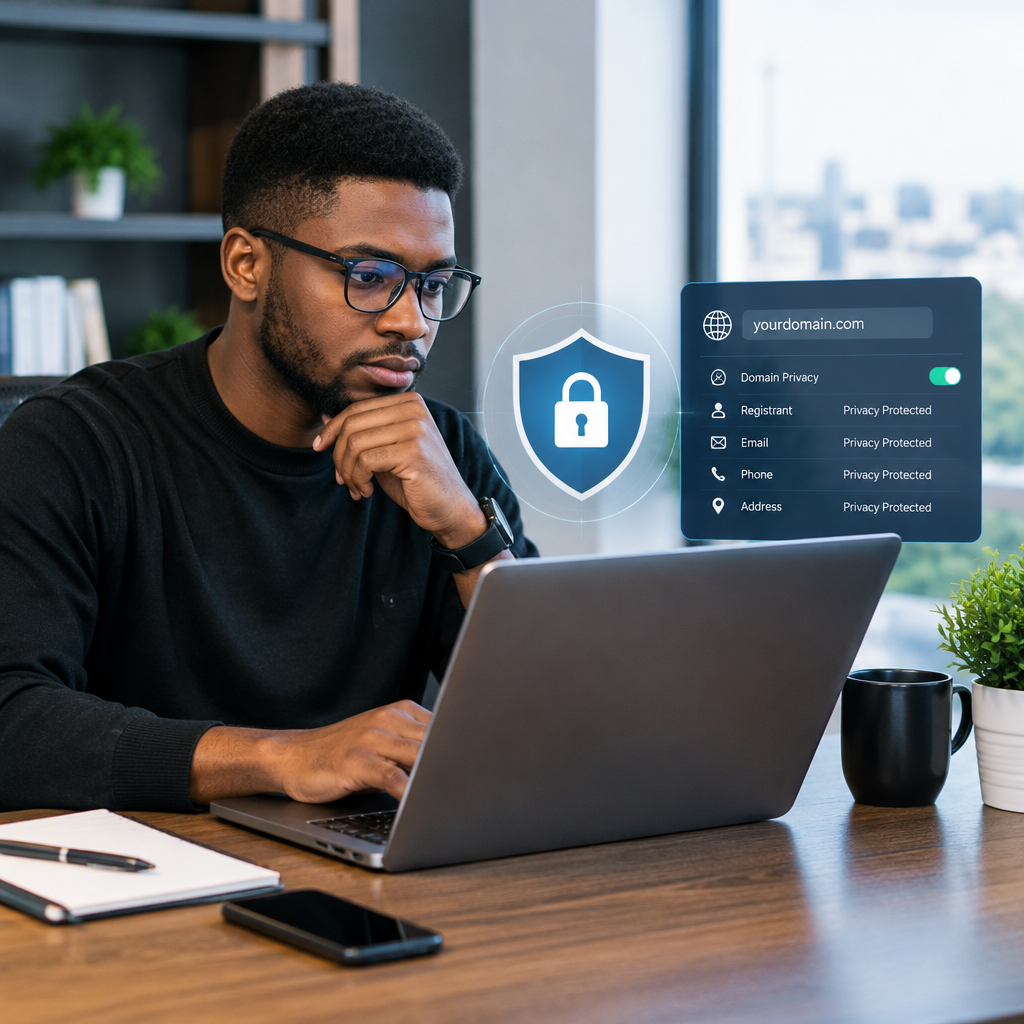
Domain privacy, sometimes called WHOIS privacy, is a service or registrar feature that replaces or masks certain personal contact details in public records. Instead of displaying a private individual’s email address or phone number, the record may show a privacy service or a method for contacting the domain holder indirectly.
This can be useful for entrepreneurs, creators and small organisations that do not want personal contact details exposed unnecessarily. It may reduce unwanted messages, automated spam and opportunistic contact.
Privacy does not mean that the registrar has no record of the domain owner. The registrar may still retain accurate registration information and may disclose it where required by law, policy or a valid request. Domain privacy is therefore not a way to make a domain anonymous.
Privacy is not the same as security
A private registration record does not stop someone from guessing your password, accessing your registrar account or tricking support staff into changing domain settings. It also does not protect your website from malware, weak WordPress plugins or stolen hosting credentials.
Think of privacy as reducing unnecessary public exposure. Think of security as protecting control of the domain and the services connected to it.
| Protection | What it helps with | What it does not solve |
|---|---|---|
| Domain privacy | Limits personal details shown in public registration records | Unauthorised account access or website attacks |
| Strong registrar password | Reduces the chance of account takeover | Every possible form of phishing or social engineering |
| Multi-factor authentication | Adds another verification step during login | Problems caused by lost recovery access |
| Transfer lock | Helps prevent an unauthorised domain transfer | Compromised registrar credentials or incorrect ownership records |
| SSL certificate | Encrypts connections between visitors and a website | Protection of the domain account itself |
Why domain security matters to a business
A domain often connects several important services. The website may use it for customer enquiries, while domain-based email may be used for invoices, password resets and supplier communication. DNS records may also connect the domain to an online store, marketing platform or other business tools.
If an attacker changes the DNS records, visitors could be sent to the wrong website. If email-related records are changed, messages may be delayed, redirected or rejected. A domain takeover can therefore affect more than the website itself.
This is especially important for Nigerian small businesses and professionals building trust online. A business may rely on a mobile-first audience, online enquiries and business email even if most of its operations remain offline. Losing access to the domain can interrupt customer communication at a critical time.
Practical steps to protect your domain
1. Register the domain in the business owner’s name
Use accurate ownership and contact information. A domain registered only through a developer, former employee or agency can create problems when that person becomes unavailable. Your organisation should know who legally owns the domain and how to access the registrar account.
Keep a private record of the registrar, renewal date, account email and recovery method. Do not publish sensitive login details in a shared document or send them casually through chat.
2. Use a unique, strong password
The registrar password should not be reused for email, social media, WordPress or hosting. A password manager can help create and store a long, unique password without requiring you to memorise every login.
Be cautious with messages claiming that a domain is about to expire or that you must urgently confirm payment. Rather than clicking an unexpected link, sign in through the registrar’s known website or contact its support team using an official channel.
3. Enable multi-factor authentication
Where available, multi-factor authentication adds a second check after the password. This can make account access more difficult for someone who obtains the password alone. Make sure the business has a secure recovery method and that more than one authorised person understands the recovery process.
4. Keep transfer protection enabled
Many domain registrars provide a transfer lock or similar setting. It is designed to reduce the risk of an unauthorised transfer to another registrar. Check the lock before making legitimate changes, such as moving the domain to a new provider, and restore it afterwards if appropriate.
5. Monitor renewals
An expired domain can cause website and email disruption. Automatic renewal may help, but it should not replace monitoring. Confirm that the payment method is current, renewal notices reach an actively monitored email address and the domain remains under the business’s control.
Do not rely only on a developer’s inbox for renewal reminders. Set an internal calendar reminder and retain access to the registrar account.
6. Limit access to DNS and hosting accounts
Give access only to people who need it. If a developer or staff member no longer works on the website, remove or review their access. Use separate accounts where possible rather than sharing one administrator login.
Domain security should be considered alongside hosting security. A reliable hosting arrangement, SSL certificate, current software, backups and managed WordPress support can address different parts of the overall risk. None of these replaces the others.
What domain privacy cannot hide
Privacy protection does not remove information from your own website. Visitors may still see the business name, contact details, physical address, social media accounts or information in your site’s legal and contact pages. That information should be accurate and appropriate for customers.
It also does not prevent someone from identifying a business through its website content, public records, email signatures or other online activity. The purpose is not to conceal a legitimate business. It is to avoid exposing unnecessary personal registration details in public domain records.
Some domain extensions or registration arrangements may have different privacy rules. Before registering a domain, review the registrar’s explanation of what information will be displayed and whether privacy protection is included or available.
A simple ownership check for website owners
- Can the business log in to the registrar without relying on a former developer?
- Are the registrant details accurate and controlled by the business?
- Is the renewal date recorded in more than one place?
- Is multi-factor authentication enabled where available?
- Is the domain transfer lock active when no transfer is planned?
- Are the registrar, hosting and business email accounts protected with separate credentials?
- Does the business have current backups and a documented recovery contact?
The main takeaway
Domain privacy can reduce unnecessary exposure of personal registration information, but it is only one part of protecting a digital business. The most important foundation is clear ownership: your business should control the domain, registrar account, hosting account and domain-based email.
For a Nigerian business or organisation, combining accurate ownership records with strong passwords, multi-factor authentication, renewal monitoring, transfer protection and dependable hosting creates a more resilient online presence. The goal is not to make technology complicated. It is to make sure customers can continue finding, contacting and trusting your business.