How to Choose a Website Builder for Your Business
Choosing a website builder can feel confusing because many platforms appear to offer the same promise: choose a template, add your content and publish. However, the best choice depends less on how attractive a demo website looks and more on what your business needs to do online.
A local service provider may need a simple website with contact details and an enquiry form. An online shop has different requirements, while a growing organisation may need multiple users, business email, stronger performance and room to expand. For Nigerian businesses and entrepreneurs, budget, mobile visitors, reliable support and control over essential digital assets are also important considerations.
This guide explains the main factors to compare before choosing a website builder, whether you plan to build the website yourself or work with a professional.
Start with the job your website must do
Before comparing platforms, define the purpose of the website. A clear purpose makes it easier to avoid paying for features you will not use.
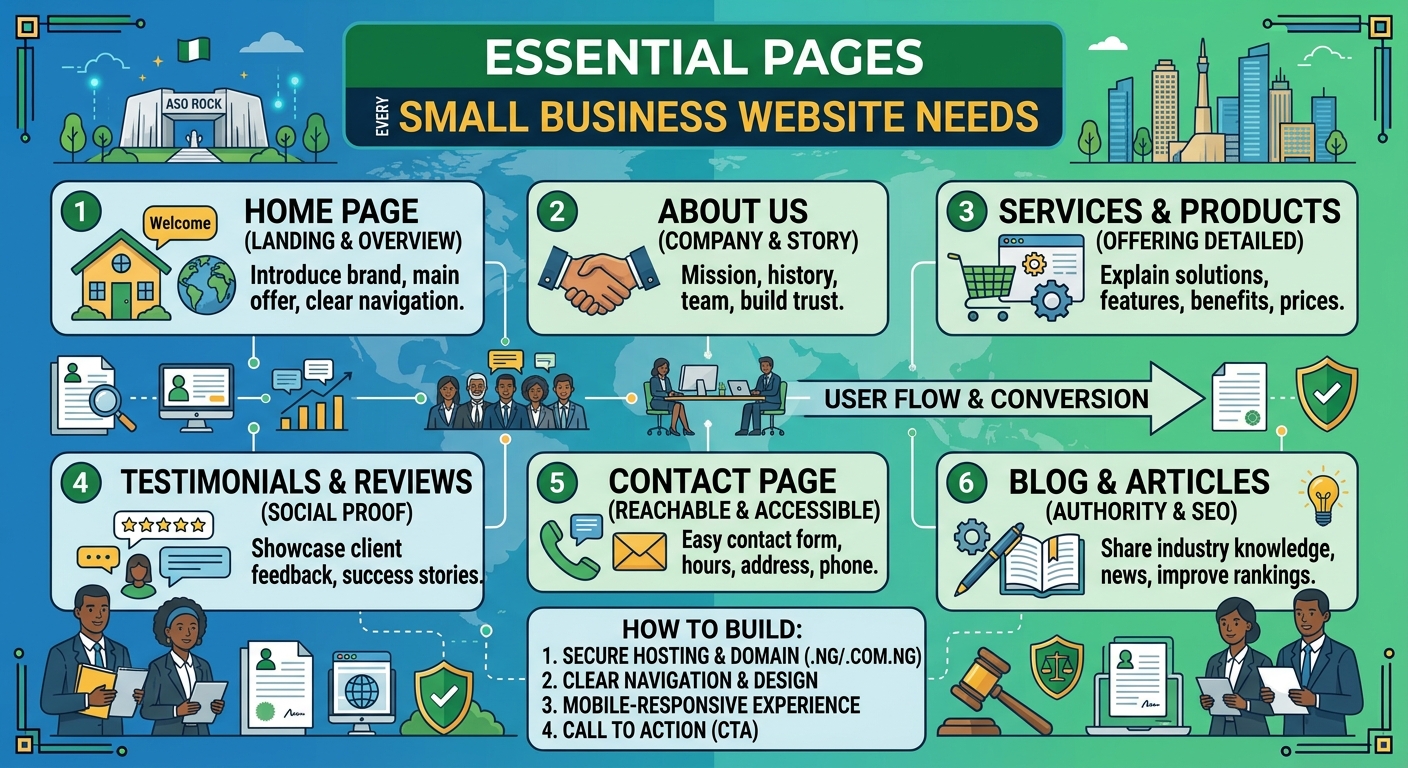
- Business information: You may need pages for your services, company information, location, opening hours and contact details.
- Lead generation: You may need enquiry forms, WhatsApp links, consultation requests or downloadable resources.
- Online sales: You may need product listings, payments, stock management, delivery information and order notifications.
- Publishing: A creator, organisation or professional may need a blog, news section or portfolio.
- Bookings: A consultant, school, salon or service business may require appointments or registration forms.
Write down what a visitor should be able to do after arriving on the website. This might be calling your business, requesting a quotation, buying a product, booking an appointment or finding useful information. The builder should support that customer journey without unnecessary complexity.
Understand the difference between a builder, hosting and a domain
These services are related, but they are not the same.
- A domain name is your website address, such as yourbusiness.com or another suitable domain.
- Hosting is the server service that stores your website and makes it available online.
- A website builder is the tool used to create and manage the website’s pages and content.
Some website builders include hosting as part of a single subscription. Others, including self-hosted WordPress, require you to choose hosting separately. An all-in-one platform may be simpler at the beginning, while a separate hosting arrangement can give you more flexibility and control.
Whichever option you choose, confirm who owns the domain and who can access the hosting and website accounts. A business should not lose control of its domain or website because everything was registered through a former employee, developer or unknown third party. Use accurate ownership information, secure passwords and an account that the business can access directly.
Compare ease of use with long-term flexibility
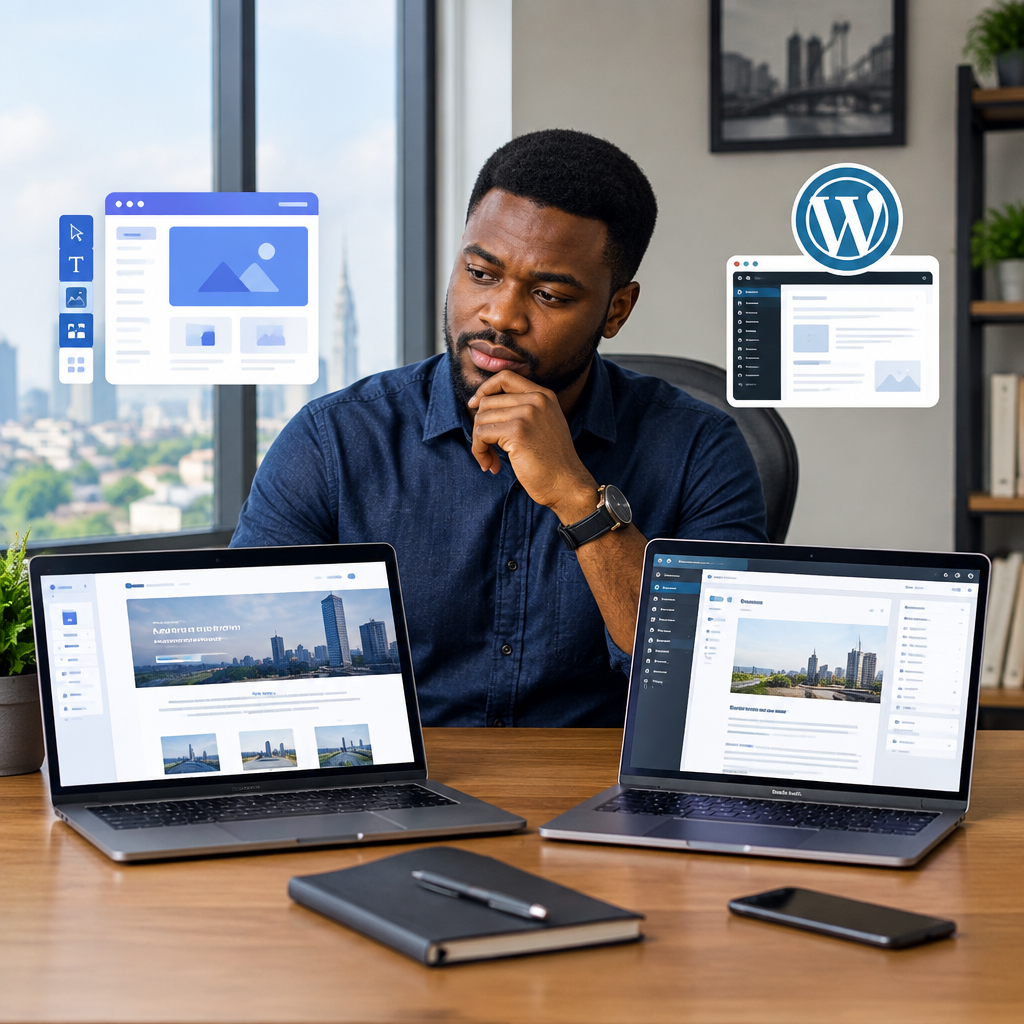
A drag-and-drop builder can be useful if you want to make small changes without technical knowledge. It may allow you to edit text, replace images and publish pages quickly. This can suit a small business with a straightforward website and limited maintenance time.
However, ease of use should not be judged only by the first day. Consider how simple it will be to:
- add new pages and services;
- change the design later;
- update page titles and descriptions;
- create redirects when a page address changes;
- add another administrator safely;
- move the website if your needs change; and
- restore the website after a mistake.
A platform that is easy to start with but difficult to extend may become restrictive as your business grows. WordPress, for example, can provide a broad range of themes and extensions, but it requires more attention to updates, backups and security. Managed WordPress support can reduce that technical burden for businesses that want the flexibility of WordPress without handling every maintenance task themselves.
Check mobile performance and customer experience
Many customers will first visit your website on a mobile phone. A builder should make it possible to create pages that are readable and usable on smaller screens, not just attractive on a desktop computer.
Test the website on more than one phone if possible. Check whether the text is easy to read, buttons are large enough to tap, images load sensibly and contact options are obvious. Remove unnecessary animations, oversized images and cluttered sections that make the page slow or difficult to use.
Pay particular attention to the most important action. If you want visitors to request a quote, the form should be short and easy to complete. If customers need to call you, your phone number should be visible and tappable. A technically impressive website that makes basic contact difficult is not serving the business well.
Review security, backups and maintenance
Website security is not a feature that should be considered only after a problem occurs. Ask how the platform handles HTTPS, software updates, account access, backups and recovery.
An SSL certificate enables HTTPS, helping protect information exchanged between the visitor and website. It also supports a more trustworthy browsing experience. You should also use strong, unique passwords and limit administrator access to people who need it.
Backups are equally important. Find out whether backups are available, how often they are created and how restoration works. A backup that cannot be restored when needed is not a complete recovery plan. If you use WordPress, themes and plugins should be kept updated and unnecessary extensions should be removed, since poorly maintained components can create security and performance problems.
Look beyond the website to business email
A website builder may not provide the business email your organisation needs. A domain-based address, such as [email protected], can present a more professional image than relying only on a personal email address.
Before choosing a provider, check whether email is included, sold separately or hosted through another service. Consider mailbox access, storage, spam protection, mobile access and what happens when an employee leaves. Keep control of the domain and email administration with the business, rather than tying everything to one individual’s personal account.
Compare total cost, not just the advertised starting price
The initial price may not show the full cost of running a website. Make a list of the services you will actually need:
- domain registration and renewal;
- website hosting or builder subscription;
- business email accounts;
- SSL and security features;
- premium templates or extensions;
- professional design or setup;
- maintenance and updates; and
- backup, migration or support services.
For a budget-conscious Nigerian small business, this comparison helps prevent an apparently cheap choice from becoming expensive once essential features are added. It also makes it easier to compare a do-it-yourself option with managed hosting or professional support.
Assess support and technical responsibility
Think honestly about how much technical work you want to manage. If you are comfortable handling updates, troubleshooting, backups and account settings, a more flexible self-managed platform may be appropriate. If you want to focus on customers and operations, managed support may be more suitable.
Support quality matters when a website becomes unavailable, email stops working or a renewal is missed. Look for clear explanations, accessible communication and help that matches your level of technical knowledge. A hosting provider that handles advanced technical responsibilities behind the scenes can make the website easier to operate without requiring you to become a server administrator.
A practical decision framework
Use these questions to narrow your options:
- What is the website’s main purpose? Choose a platform that supports the action you want visitors to take.
- How much control do you need? Check domain ownership, account access, content export and migration options.
- Who will maintain it? Match the platform’s technical demands with the skills and time available.
- What will visitors expect? Prioritise mobile usability, speed, clear contact details and secure browsing.
- What may change later? Consider future services, more content, additional staff, online sales or higher traffic.
- What support is available? Confirm who helps with hosting, email, backups, security and technical problems.
Make the choice based on fit, not popularity
There is no single best website builder for every business. A simple builder may be right for a small brochure website, while WordPress or another flexible platform may be better for a business that expects to publish regularly or add features over time. The most expensive option is not automatically the best, and the cheapest option may not include the support or control you require.
Choose a solution that gives your business a suitable domain, dependable hosting, secure browsing, professional email, accurate information and a clear path for customers to contact you. Most importantly, make sure the business retains access to its essential digital assets.
The right website builder should reduce friction rather than create another technical burden. Start with your business goal, compare the responsibilities and total costs, and select the platform that you can manage reliably today while still supporting sensible growth tomorrow.