HTTPS, SSL and Website Trust: What Business Owners Need to Know

HTTPS, SSL and Website Trust: What Business Owners Need to Know

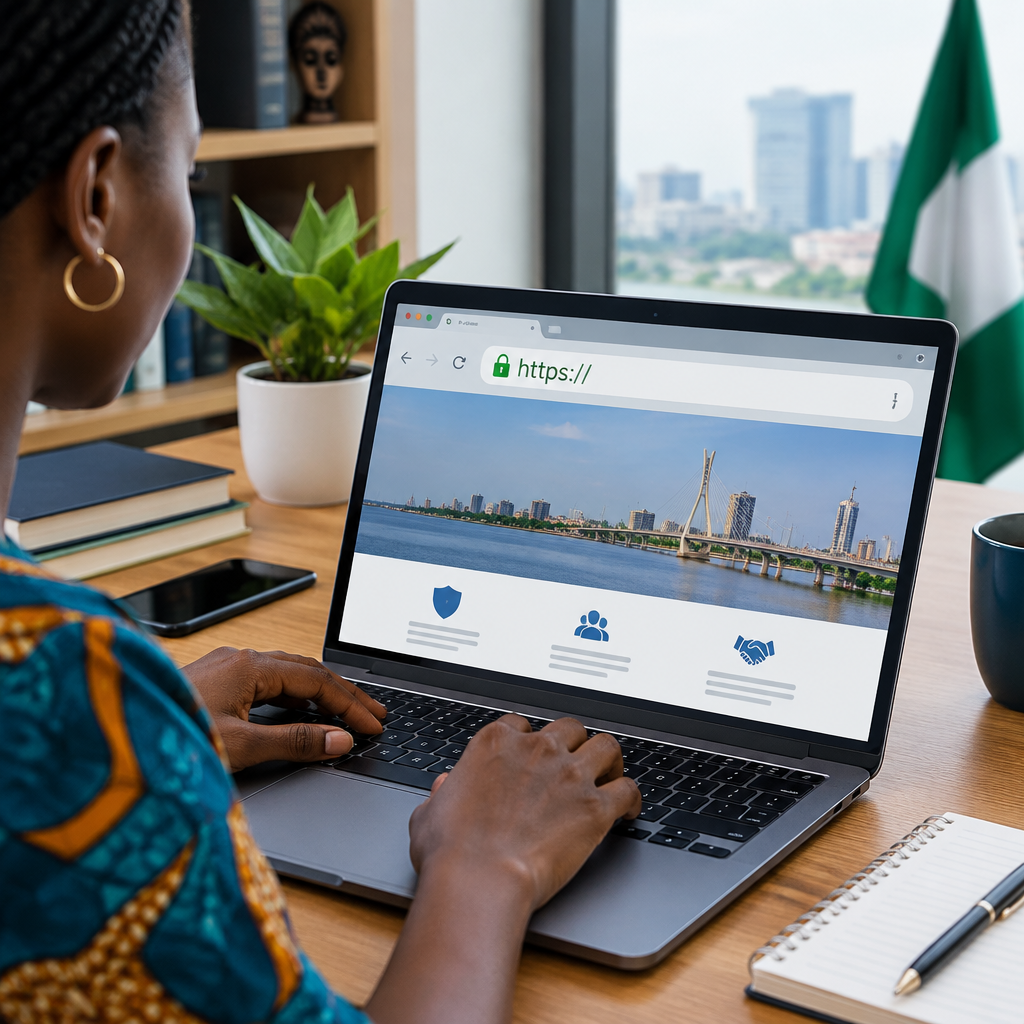
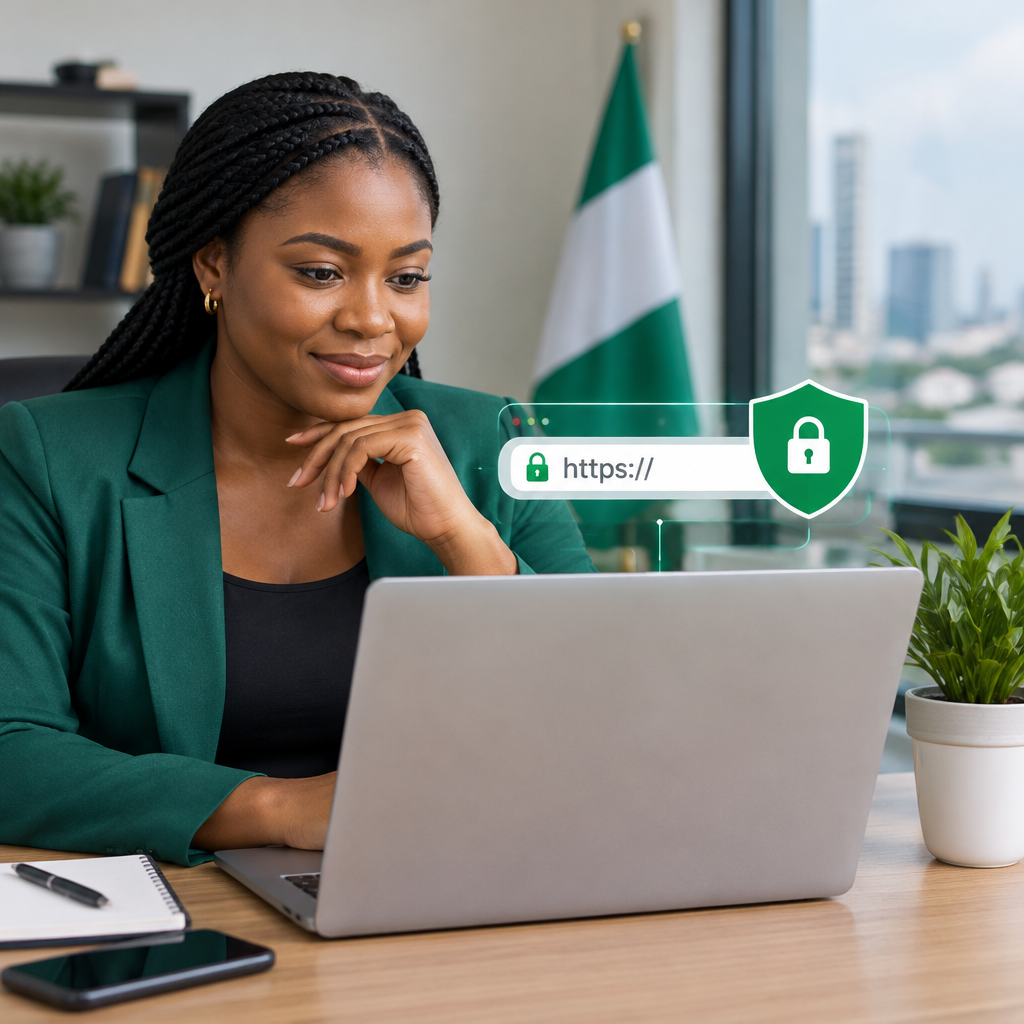
When a visitor opens your website and sees a security warning, an unsecured connection, or a browser address beginning with “Not secure”, they may leave before contacting your business. Even if the website contains no sensitive information, that warning can create doubt about your organisation’s professionalism and reliability.

HTTPS helps address this problem. It protects information moving between a visitor’s browser and your website, while an SSL certificate helps prove that the connection is associated with the correct domain. For Nigerian small businesses, entrepreneurs, creators and organisations, HTTPS is an important part of presenting a dependable online presence—not a technical feature reserved for banks or large companies.

What do HTTPS and SSL mean?

HTTP is the standard method used to transfer information between a web browser and a website. HTTPS is the secure version of HTTP. The additional “S” means that the connection is encrypted using Transport Layer Security, commonly still referred to as SSL.

SSL, or Secure Sockets Layer, is the older name for the technology. Modern certificates use TLS, but people and hosting providers still commonly use the term “SSL certificate”. In practical terms, when a website has a valid certificate and loads through HTTPS, the browser can establish an encrypted connection with it.

You can usually identify HTTPS by:

  • A web address beginning with https://.
  • A padlock or similar security indicator in the browser address bar.
  • The absence of a browser warning about an insecure connection.

The padlock does not mean that every part of a business is trustworthy or that the website can never be hacked. It indicates that the browser has established a secure connection for the domain. Website security still requires strong passwords, updates, backups and sensible administration.

What an SSL certificate protects

HTTPS primarily protects data while it travels between the visitor and the website. Without encryption, information sent through an unsecured connection may be easier for an attacker to observe or alter, particularly on an unsafe network.

Depending on the website, the protected information may include:

  • Contact form messages and enquiry details.
  • Login usernames and passwords.
  • Information submitted during checkout or registration.
  • Personal details entered into an application or booking form.

Encryption is especially important when a website includes customer accounts, payments, membership areas, appointment requests or any form that collects personal information. It is also useful for ordinary business websites because visitors expect secure connections as a basic standard.

Why HTTPS affects customer trust

A potential customer may not understand certificates, encryption or browser protocols, but they can recognise a warning message. When a browser displays an insecure notice, visitors may wonder whether the site is genuine, whether their information is safe, or whether the business maintains its website properly.

This matters at several points in the customer journey. Someone searching for a supplier may compare several businesses before making an enquiry. A customer may abandon a contact form after seeing a warning. A person who has reached your payment page may decide not to continue. HTTPS cannot persuade someone to buy a poor product, but its absence can create an avoidable reason to leave.

For businesses in Nigeria and across West Africa, where many customers make decisions from mobile devices, a clear and professional website experience is particularly valuable. A suitable domain, accurate contact information, domain-based business email, reliable hosting and HTTPS work together to make an organisation easier to trust.

HTTPS is not the same as complete website security

One of the most important distinctions is that an SSL certificate secures the connection; it does not secure every component of the website.

A website can use HTTPS and still have problems such as:

  • Outdated WordPress core software, themes or plugins.
  • Weak or reused administrator passwords.
  • No recent backup that can be restored.
  • Unnecessary user accounts or exposed administrative areas.
  • Malware or harmful code already installed on the server.
  • Incorrect permissions or poorly maintained third-party integrations.

Think of HTTPS as one layer in a wider security plan. It protects communication, while updates, access controls, monitoring and backups help protect the website itself.

How to check whether a website is using HTTPS

Open the website in a current browser and look at the address bar. Confirm that the address begins with HTTPS and that the browser does not show a security warning. You can also select the security indicator to view basic certificate information, such as whether the certificate is valid and which domain it covers.

Check more than the homepage. Visit the pages where customers send information, log in or complete a transaction. A website may have HTTPS on one page but include older resources—such as images, scripts or stylesheets—loaded through HTTP. This is called mixed content and can result in warnings or prevent some features from working correctly.

If a website works at both http:// and https://, visitors may still reach the unsecured version. The website should normally redirect HTTP traffic to HTTPS, so that customers consistently use the secure address. The domain’s preferred version should also be used in links, marketing materials and search-related settings.

A practical HTTPS setup workflow

For a new or existing business website, the process can be handled in a clear sequence:

  1. Confirm domain access. Make sure the business owns the domain and that the responsible person can access the relevant account. Do not rely only on a former employee, developer or unknown third party.
  2. Install a certificate. The hosting provider or website administrator installs an appropriate certificate for the domain.
  3. Test the secure address. Open the HTTPS version on desktop and mobile devices and check important pages, forms and login areas.
  4. Fix mixed content. Update links and website resources that still request files through HTTP.
  5. Redirect the unsecured version. Configure the website so visitors using HTTP are sent to HTTPS.
  6. Update references. Review menus, email signatures, social profiles, advertising links and printed materials that contain the website address.
  7. Monitor renewals and errors. Certificates have validity periods and should be renewed or managed before they expire.

If the website uses WordPress, HTTPS may also affect image URLs, plugins, caching, redirects and the site address configured in the dashboard. A managed WordPress support service can be useful when the business owner wants the technical work handled without becoming a server administrator.

Choosing the right level of certificate

For many small business websites, a standard domain-validated certificate is sufficient to enable HTTPS. The right choice depends on the website’s purpose, the organisation’s requirements and the services used—not simply on choosing the most expensive option.

Consider these questions:

  • Does the website only provide information and a contact form?
  • Does it include customer accounts, payments or sensitive submissions?
  • Are multiple domains or subdomains involved?
  • Does a payment provider or other integration have specific technical requirements?
  • Who will monitor the certificate and resolve errors?

HTTPS does not require a business to purchase an expensive hosting plan. However, certificate management, dependable hosting and responsive technical support can reduce the risk of an avoidable interruption.

Trust extends beyond the padlock

A secure connection is only one part of a credible website. Visitors also look for a clear business name, a professional domain, working contact details, useful information, consistent branding and an easy way to ask questions. Domain-based email can reinforce this impression more effectively than relying only on a free personal email address.

Businesses should also retain control of their domain, hosting, website and email accounts. Keep registration details accurate, use strong unique passwords, enable additional account protection where available, and track renewal dates. Losing access to a domain can disrupt both the website and business email, even when the website files themselves remain intact.

The practical takeaway

HTTPS is a basic trust and security requirement for a modern business website. It encrypts communication, reduces browser warnings and gives visitors a safer experience, but it does not replace WordPress maintenance, backups, strong account security or reliable hosting.

For a Nigerian business building its online presence, the sensible approach is to treat HTTPS as part of a complete foundation: own and control the domain, use dependable hosting, secure the website, maintain accurate contact information and make it easy for customers to enquire or buy. Technical work should support the business quietly in the background, while the website remains clear and trustworthy for the people using it.


How to Protect a WordPress Website From Attacks

How to Protect a WordPress Website From Attacks

A hacked WordPress website can disrupt sales, expose customer information, damage trust and leave a small business paying for emergency repairs. For Nigerian businesses, creators and organisations that depend on their website to receive enquiries or showcase their services, security is not an optional technical extra. It is part of keeping the business available and credible.

The good news is that many WordPress attacks succeed because of preventable weaknesses: outdated software, reused passwords, insecure plugins, missing backups or unnecessary user accounts. You do not need to become a security specialist, but you do need a regular process for reducing these risks.

Start with the WordPress basics

WordPress websites usually include three layers that need attention:

  • WordPress core: the main content management system.
  • Themes: the design and layout components.
  • Plugins: additional features such as forms, ecommerce tools, page builders and SEO functions.

Each layer can contain security weaknesses if it is poorly maintained. Use software from reputable sources, keep it updated and remove anything you no longer need. An unused plugin is still part of your website’s attack surface, especially if it remains installed but receives no updates.

Update carefully and consistently

WordPress updates can fix security problems as well as add features. Delaying updates for months increases the chance that attackers will target a known weakness.

Before applying major updates, confirm that a recent backup exists. On an important business website, test updates in a staging environment when possible. If you manage the website yourself, schedule a regular maintenance session rather than waiting until an update notification becomes urgent. Managed WordPress support can also help businesses that do not want to handle maintenance alone.

Protect administrator accounts

An attacker does not always need to break the website’s code. Sometimes they only need to obtain a valid administrator password. Protect every account that can access WordPress, hosting, email or the domain.

  • Use a long, unique password for every important account.
  • Never share an administrator password through casual messages.
  • Enable two-factor authentication where it is available.
  • Give each person their own account instead of sharing one login.
  • Use the lowest user role that allows someone to do their work.
  • Remove accounts belonging to former employees, developers or contractors.

Review your users periodically. A former developer should not retain administrator access simply because they originally built the site. The same principle applies to hosting, domain registration and business email accounts.

Use SSL and secure website connections

An SSL certificate enables HTTPS, which encrypts the connection between a visitor’s browser and your website. Visitors will commonly expect to see a secure connection before submitting an enquiry, signing in or making a payment.

SSL does not make a website invulnerable. It does not replace updates, backups or strong passwords. However, HTTPS is an important part of a trustworthy website and should be correctly configured across the entire site. Check that pages, images, forms and login areas load through HTTPS rather than mixing secure and insecure connections.

When choosing hosting for a business website, confirm how SSL certificates are provided and how renewals are handled. An expired certificate can create browser warnings and make a legitimate website appear unsafe.

Choose and maintain plugins carefully

Plugins are useful, but installing too many increases complexity. Before adding one, ask:

  • Does the website genuinely need this feature?
  • Is the plugin maintained and updated?
  • Does it come from a trustworthy source?
  • Will it conflict with existing plugins or the theme?
  • Can the same result be achieved with a simpler, better-supported tool?

Avoid pirated or “nulled” themes and plugins. They may contain hidden malicious code, and you may not receive legitimate security updates. A low-cost download can become an expensive problem if it compromises the site or customer data.

After installing a plugin, keep it updated and monitor the website for unexpected changes. If a plugin is no longer needed, deactivate and delete it rather than leaving it in place.

Make backups that can actually restore the website

A backup is useful only if it is recent, complete and accessible when the original website fails. Back up both the website files and the database. The database contains important content such as posts, pages, settings and, depending on the website, customer or order information.

Keep backup copies separate from the live website. If an attacker gains access to the hosting account, backups stored in the same location may also be affected. Protect backup access with a separate strong password and limit who can download or delete backup files.

Test restoration occasionally. A successful backup message does not always prove that the files can be restored correctly. For a business website, knowing the recovery process before an incident is far better than trying to invent one during a crisis.

Secure the hosting and domain accounts

WordPress security is connected to the wider accounts that control the website. If someone takes over the hosting account, they may be able to modify files, create email accounts or change the website regardless of how strong the WordPress login is.

Use separate credentials for:

  • WordPress administration
  • Web hosting
  • Domain registration
  • Business email
  • Website backups

Keep domain registration information accurate and monitor renewal dates. A business can lose control of its online presence through an expired domain or inaccessible account even without a traditional website hack. Your organisation should retain access to these essential digital assets rather than relying entirely on a former employee, designer or unknown third party.

Choose hosting that fits your level of technical support. A small business that does not have an administrator available may benefit from managed WordPress support, clear security procedures and accessible help. The most expensive plan is not automatically the safest choice; the right option depends on the website, traffic, email needs and amount of technical work you want handled for you.

Reduce information attackers can use

Do not publish unnecessary technical information. Remove unused administrator accounts, avoid predictable usernames and review public-facing contact forms for abuse. Contact forms should be protected against spam, but security controls should not make it difficult for genuine customers using mobile devices or slower connections to contact the business.

Use reputable security tools where appropriate, but treat alerts as signals that require attention. A security plugin cannot compensate for an outdated hosting account, weak email password or missing backups. Configure notifications so someone responsible will actually see and act on them.

A practical monthly security routine

A simple routine is easier to maintain than a complicated plan that nobody follows. Once a month, review:

  • WordPress, theme and plugin updates
  • Recent backup completion and restoration readiness
  • Administrator and hosting users
  • SSL certificate status
  • Unexpected changes to pages, files or settings
  • Security and login alerts
  • Domain and hosting renewal information

After a staff change, developer handover or suspected account compromise, review access immediately rather than waiting for the next scheduled check.

What to do if you suspect an attack

If the website displays unfamiliar content, redirects visitors, sends unusual emails or shows unexpected administrator activity, avoid repeatedly logging in and changing random files. Record what you observed, preserve available logs and contact your hosting or WordPress support provider.

Change compromised passwords from a trusted device, beginning with email and hosting accounts if they may be affected. Restore from a known-clean backup only after identifying how the compromise happened; otherwise, the same weakness may reinfect the website. After recovery, update all software, remove unknown users and review access across related accounts.

The most effective approach is layered protection

No single plugin or setting can guarantee that a WordPress website will never be attacked. A safer approach combines updated software, carefully selected plugins, strong account controls, HTTPS, separate backups, secure hosting and regular reviews.

For a Nigerian small business or organisation, this layered approach protects more than the website itself. It helps preserve customer confidence, business email, domain ownership and the ability to keep serving visitors when technical problems occur. If maintaining every layer is difficult, choose hosting and managed WordPress support that can handle the technical work while giving you clear information about what is being protected and how recovery would work.

How Law Firms Can Keep Their Websites Secure and Available

How Law Firms Can Keep Their Websites Secure and Available

A law firm’s website is often the first place a potential client looks for help. It may provide contact details, explain areas of practice, publish legal resources and collect enquiries. If the site is hacked, unavailable or displaying misleading information, the damage can extend beyond missed visitors. Clients may question whether the firm can protect their information and manage important matters reliably.

Website security and availability are therefore business concerns, not just technical tasks. A secure website helps reduce avoidable risks, while reliable hosting and sensible maintenance make it easier for clients to reach the firm when they need it.

Why website availability matters to a law firm

People often search for legal assistance at stressful or time-sensitive moments. They may be looking for a phone number, checking whether a firm handles a particular type of case or submitting an initial enquiry. A website that shows an error, loads very slowly or works poorly on a mobile phone can cause that visitor to leave.

Availability also matters for the firm’s existing clients. A website may contain appointment instructions, office information, downloadable documents or links to client services. Even if it is not the firm’s main working system, an unavailable website can create unnecessary calls and confusion.

No hosting arrangement can remove every possible cause of downtime. However, firms can reduce avoidable interruptions by choosing suitable hosting, keeping software maintained and preparing for problems instead of treating them as surprises.

Start with control of the firm’s digital assets

Security begins with knowing who controls the website and its related accounts. A firm should be able to access:

  • The domain registration account
  • The hosting account
  • The website administration area
  • The business email accounts connected to the domain
  • Website backups and restoration tools
  • Any third-party services used for forms, analytics or payments

Domain ownership details should be accurate, and renewal notices should reach a monitored business email address. A domain that expires can make the website and domain-based email stop working, even when the website itself has not been attacked.

Access should not depend entirely on a former employee, an individual developer or an unknown third party. The firm can work with a website professional or hosting provider while retaining appropriate administrative access. Keep a current record of who has access, what each person can do and how access will be removed when someone leaves.

Use layered protection rather than one security feature

Website security is not achieved by installing one tool and forgetting about it. It is better understood as several protective measures working together.

Use HTTPS with a valid SSL certificate

An SSL certificate enables HTTPS, which helps protect information exchanged between a visitor’s browser and the website. This is particularly important when a site includes contact forms, consultation requests, newsletter sign-ups or client portals.

HTTPS also gives visitors a basic signal that the connection is protected. It does not prove that a law firm is legitimate or guarantee that the website is free from every threat, but it is an essential part of a professional website setup. Certificate renewals should be monitored so the site does not suddenly display a browser warning.

Protect administrative accounts

Use long, unique passwords for hosting, domain, email and website administration accounts. Where available, enable multi-factor authentication. Do not share one administrator password among several people when individual accounts can be created.

Administrative access should be limited to people who need it. A person responsible for publishing articles may not need access to domain settings or hosting configuration. Reducing unnecessary permissions limits the damage if one account is compromised.

Keep WordPress and extensions maintained

If the firm uses WordPress, the core software, themes and plugins should be kept up to date. Updates often address security weaknesses as well as adding features. Before making significant changes, maintain a recent backup and confirm that the site can be restored if an update causes a compatibility problem.

Remove themes, plugins and user accounts that are no longer needed. Unused software can create additional maintenance responsibilities and may remain overlooked during routine checks.

Make backups useful, not merely reassuring

A backup is valuable only if it is recent, accessible and capable of being restored. Firms should know what is included in the backup: website files, databases, uploaded documents and relevant configuration may all matter.

Backups should not be treated as a substitute for security. If an attacker gains access to the website and the backups are stored without adequate separation, older copies may also be affected. Ask the hosting or technical support provider how backups are handled, how long they are retained and what the restoration process involves.

A simple recovery plan should identify:

  • Who decides whether the website should be restored
  • Who contacts the hosting or support provider
  • Where important account details are stored securely
  • Which website functions are most urgent to recover
  • How the firm will communicate if the website is temporarily unavailable

For a small firm, this does not need to be a complicated document. The aim is to reduce confusion during an incident.

Choose hosting based on the firm’s actual needs

Hosting affects both availability and the amount of technical responsibility the firm must manage. A simple informational site may have different requirements from a busy site with a client portal, online payments, substantial documents or several business email accounts.

When comparing hosting options, consider:

  • The expected size and traffic of the website
  • Whether the site runs on WordPress
  • The importance of responsive technical support
  • Backup and restoration arrangements
  • Security features and SSL support
  • Business email requirements
  • Plans for future growth

The most expensive plan is not automatically the best choice. A suitable plan should provide enough capacity and support without adding complexity the firm does not need. Managed WordPress support can be useful when the firm wants technical maintenance handled rather than expecting lawyers or administrative staff to become server specialists.

Protect email as carefully as the website

Law firms depend heavily on email, and a compromised mailbox can expose sensitive conversations or allow an attacker to impersonate the firm. Use domain-based business email rather than relying solely on personal or free email addresses. This supports a consistent professional identity, but it must be secured properly.

Apply strong, unique passwords and multi-factor authentication where available. Review forwarding rules and mailbox access regularly, particularly after staff changes. Be cautious with unexpected attachments, urgent payment requests and messages asking for passwords or account verification.

Website and email can share a domain while being separate services. A firm should confirm that changing hosting, moving a website or updating domain settings will not unintentionally interrupt email. Keep a record of the settings and providers involved, especially before a migration.

Prepare for common website incidents

A practical response process helps the firm distinguish between a temporary service issue and a possible security incident. If the website suddenly changes, redirects visitors, displays suspicious content or causes browser warnings, avoid repeatedly logging in with administrator credentials until the situation is understood. Contact the hosting or website support provider through a trusted channel and preserve useful information such as screenshots, error messages and the approximate time the problem began.

If the site is simply unavailable, check whether the issue affects all visitors or only one device or network. The hosting provider can then investigate server availability, domain settings, software errors or resource limits. A temporary status message on an alternative channel can help clients find the firm’s phone number or email address while the site is being restored.

A manageable maintenance routine

Security improves when routine tasks have a clear owner. Each month, the firm can review administrator accounts, confirm that backups are running, check domain and SSL renewal information, remove unnecessary access and inspect the website on both desktop and mobile devices.

After staff changes, update access promptly. After a website redesign or hosting migration, test contact forms, telephone links, email delivery, important pages and downloadable documents. Keep content accurate as well: an incorrect office address or outdated contact number can be almost as harmful to availability as a technical outage.

The practical standard for a trustworthy legal website

A law firm does not need to manage every technical detail alone. It does need clear ownership, dependable support and enough understanding to make informed decisions. A suitable hosting arrangement, HTTPS, protected accounts, maintained WordPress software, tested backups and secure business email create a stronger foundation than any single security product.

The useful question is not whether a website can be made perfectly secure or permanently available. It is whether the firm has reduced preventable risks and can recover sensibly when something goes wrong. For firms in Nigeria and across West Africa, choosing accessible hosting support and keeping control of the domain and essential accounts can make that standard much easier to maintain.

Why Your Website Needs HTTPS

Why Your Website Needs HTTPS

When visitors see a security warning before your website opens, they may leave before reading a single word. Even if your website does not sell products online, an unsecured connection can make customers hesitate to submit a contact form, create an account or share their details.

HTTPS helps prevent this problem. It protects information moving between a visitor’s browser and your website, while also showing visitors that security has been taken seriously. For Nigerian small businesses, entrepreneurs and organisations building trust online, HTTPS is a basic part of a dependable website rather than an optional technical extra.

What HTTPS means

HTTPS stands for Hypertext Transfer Protocol Secure. It is the protected version of HTTP, the system used to transfer website information between a browser and a web server.

HTTPS uses a security certificate, commonly called an SSL or TLS certificate, to encrypt the connection. Encryption changes information into a form that is difficult for unauthorised parties to understand while it travels between the visitor and the website.

When HTTPS is active, your website address begins with https:// rather than http://. Most modern browsers also display a padlock or another security indicator, although the exact design may vary.

The padlock does not mean that every part of a business is automatically secure. It means that the connection between the browser and the website has important protection in place. Website security still depends on other measures, including strong passwords, software updates, backups and secure hosting.

1. HTTPS protects information in transit

Every website interaction involves information moving between systems. A visitor might enter their name and email address into a contact form, sign in to a WordPress dashboard or provide delivery details during checkout.

Without HTTPS, information travelling over an unsecured connection may be more exposed to interception or manipulation. HTTPS helps protect that communication by encrypting it while it is in transit.

This matters even when the information does not seem highly confidential. A contact form may contain a customer’s phone number, business enquiry or private message. A login page contains credentials that could be used to access the website if compromised.

HTTPS is particularly important for websites that include:

  • Contact, enquiry or registration forms
  • Customer accounts and login pages
  • Online payments or checkout pages
  • Business email sign-in links
  • Private documents or client portals
  • WordPress administration areas

2. It reassures potential customers

People make quick judgements about a website. A browser warning, an “Not Secure” message or a missing security indicator can make a website appear neglected, even when the business itself is legitimate.

This can be a serious issue for a growing business in Nigeria or elsewhere in West Africa. A customer comparing several suppliers may choose the website that feels safer and more professionally maintained. Trust is especially important when the customer is being asked to pay in advance, submit personal information or start a business relationship online.

HTTPS cannot replace good service, accurate information or reliable fulfilment. It does, however, remove one avoidable source of doubt. A professional domain, dependable hosting, clear contact information, domain-based email and HTTPS work together to create a more credible online presence.

3. Many website features depend on it

Modern websites increasingly use browser features and third-party services that expect a secure connection. Payment providers, customer portals, analytics tools, embedded applications and some browser functions may require HTTPS or work more reliably when it is enabled.

Websites built with WordPress also commonly include several components: forms, payment plugins, membership tools, booking systems and integrations with external services. HTTPS provides the secure foundation these features need to communicate with visitors.

If a website was created some time ago, a developer or hosting provider may have configured HTTPS already. It is still worth checking, particularly after a migration, domain change, redesign or hosting change.

4. HTTPS supports search visibility and performance

Search engines want to direct users to useful, accessible and trustworthy pages. HTTPS is one of the signals considered in website security and user experience. It is not a guarantee of higher rankings, and it cannot compensate for poor content, slow hosting or technical problems. However, leaving a website unsecured creates an unnecessary disadvantage.

HTTPS can also support modern performance technologies and a smoother browsing experience. The exact benefits depend on the website, hosting environment and configuration, but a secure connection is now part of the standard technical foundation expected by browsers and online services.

5. It helps prevent website tampering

Encryption is only one part of HTTPS. A valid certificate also helps the browser confirm that it is communicating with the intended website rather than an altered copy or an intermediary attempting to interfere with the connection.

This is known as authentication. It helps reduce the risk of visitors being silently redirected or receiving modified content while browsing. HTTPS does not prevent every type of attack, but it closes an important avenue that an unsecured HTTP connection leaves open.

How to check whether your website uses HTTPS

You can perform a basic check without technical tools:

  1. Open your website in a current browser.
  2. Look at the address bar and confirm that the address begins with https://.
  3. Check for a security indicator and open its details if you want to view certificate information.
  4. Test important pages, including contact forms, login pages and checkout pages.
  5. Try entering the HTTP version of the address and check whether it redirects to HTTPS.

A website can show HTTPS on its home page while individual images, scripts or other resources still load insecurely. This is sometimes called mixed content. It can produce browser warnings or prevent certain features from working correctly.

If pages produce certificate errors, redirect loops or mixed-content warnings, ask your hosting provider or website administrator to investigate. Do not tell visitors to ignore a browser warning, especially on a page that collects personal or payment information.

HTTPS is not a complete security strategy

Installing an SSL certificate does not make a website invulnerable. HTTPS protects the connection, but it does not automatically secure the server, WordPress installation, plugins, administrator accounts or stored data.

A practical security routine should also include:

  • Keeping WordPress, themes and plugins updated
  • Using strong, unique passwords and multi-factor authentication where available
  • Limiting administrator access to people who need it
  • Maintaining reliable, tested backups
  • Choosing hosting with appropriate support and security controls
  • Monitoring domain and hosting renewals
  • Removing unused accounts, plugins and integrations

Businesses should also retain access to their domain, hosting and certificate-related accounts. If everything is controlled by a former employee, developer or unknown third party, resolving a certificate problem or renewing a domain can become unnecessarily difficult.

What small businesses should do next

If your website is not using HTTPS, ask your hosting provider whether an SSL certificate can be enabled for the domain and whether HTTP traffic will redirect correctly. Confirm that all important website pages work after the change.

If you are launching a new website, include HTTPS in the initial setup rather than treating it as a later improvement. This is easier than correcting links, forms and search indexing after a website has already been published.

For a business using managed WordPress support, the practical question is not only whether a certificate exists. It is also whether renewals, redirects, WordPress updates and mixed-content issues are being monitored as part of ongoing website management.

The practical takeaway

HTTPS protects information, reduces browser warnings, supports customer confidence and provides the secure foundation expected by modern websites. It is essential for forms, logins and payments, but it is valuable even for a simple business website.

Check your address bar today, test your key pages and confirm that your domain redirects properly to HTTPS. Then combine that protection with backups, updates, strong account access and dependable hosting. Together, these measures help your website remain a trustworthy digital home that customers can use with confidence.

Your Cart

©2018 - currentyear Sonhosting • By Digital Nigeria - RC 7487481
All Rights Reserved
Powered by ShootOut Now Services