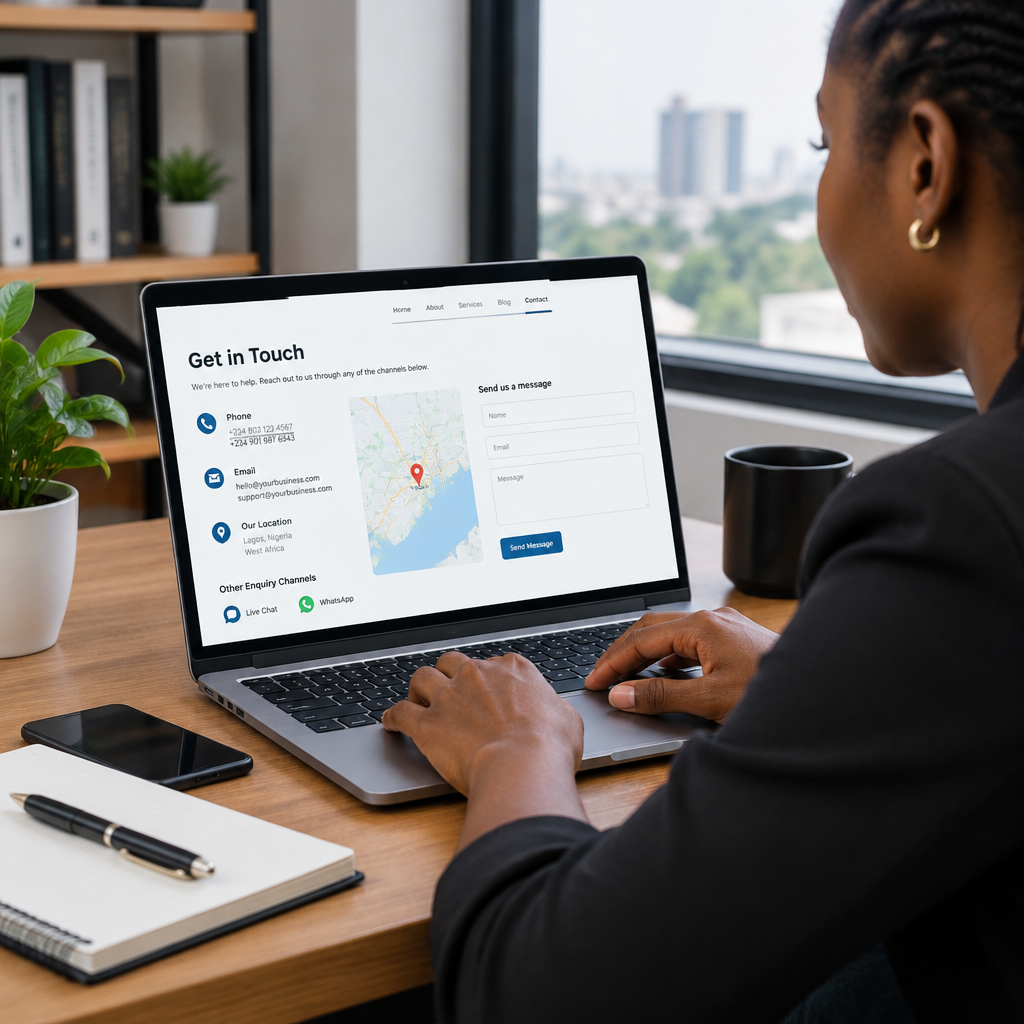
How to Keep Website Contact Information Accurate
A customer may be ready to buy, request a quotation or ask for support, but inaccurate contact information can stop the conversation before it starts. A phone number that no longer works, an inbox nobody checks or a contact form that silently fails can make a legitimate business appear unreliable.
For Nigerian small businesses, entrepreneurs and organisations, accurate contact information is especially important because customers may contact you through several channels. Some prefer WhatsApp or a phone call, while others use email, a website form or social media. Your website should make the next step clear and ensure every advertised channel leads to someone who can respond.
Keeping these details accurate is not a one-time task. It is a simple part of website maintenance that protects customer trust, reduces missed enquiries and supports a more professional online presence.
What counts as website contact information?
Contact information includes more than the telephone number on your Contact page. Review every place where a visitor might look for a way to reach you, including:
- Phone numbers and WhatsApp links
- Business email addresses
- Contact and quotation forms
- Physical address, service area or office hours
- Social media links
- Customer support or emergency contact details
- Names and roles of people listed on the website
- Calls to action such as “Book a consultation” or “Request a quote”
Details can also appear outside the main website. Google Business information, online directories, social media profiles, email signatures, invoices and digital advertisements should not contradict what your website says.
Why outdated details cause real business problems
Incorrect information creates friction at the exact point when a potential customer is trying to take action. If a visitor calls an old number several times without an answer, they may contact a competitor instead. If a form sends messages to an inbox that is no longer monitored, the business may never know that a lead was lost.
Inconsistent information can also create uncertainty. For example, a website may show one address while a business listing shows another. A customer may wonder whether the organisation has moved, whether the website is still active or whether the business is dependable enough to handle their request.
Accurate contact details are part of a broader trustworthy online presence. Alongside reliable hosting, a suitable domain, HTTPS security and professional business email, they help visitors understand that the website is maintained and that the organisation is reachable.
Create one trusted source of information
Begin by deciding which internal record contains the approved version of your contact details. This might be a simple shared document, customer relationship system or business operations file. Include:
- The official business name and preferred spelling
- Primary and backup phone numbers
- The monitored email address for general enquiries
- Support, sales or department-specific addresses
- Physical address or service coverage area
- Opening hours and response expectations
- Approved website, social media and messaging links
- The person responsible for reviewing the details
This record prevents different team members from copying old information into new pages, adverts or documents. It also makes changes easier when an employee leaves, a phone number changes or the business moves.
Review the website from a customer’s perspective
Do not inspect only the Contact page. Visit the website as if you were a new customer using a mobile phone. Check the header, footer, homepage, About page, service pages, blog articles and checkout or booking pages. Look for old numbers, broken links, duplicate addresses and email addresses that are no longer used.
Pay attention to small details. A phone number may be correct in visible text but linked to an old number. An email address may look right but contain a spelling mistake. A map may point to a previous location. A WhatsApp button may open the wrong account or include an incorrect country code.
For a business serving customers in Nigeria, display phone numbers in a clear, consistent format and test how they work on mobile devices. If you serve customers outside Nigeria, make sure the international format is also understandable to them.
Test every contact method
A contact method is not confirmed until someone has tested the complete journey.
- Send a test message through each contact form.
- Call every published phone number during the stated business hours.
- Send a test email to each advertised inbox.
- Open WhatsApp and social media links on a phone.
- Check whether form notifications reach the intended recipient.
- Confirm that an acknowledgement or next step is shown after submission.
- Record how quickly the test enquiry is noticed and answered.
Forms deserve particular attention. A form can appear to work while messages are being blocked, sent to spam or delivered to an abandoned mailbox. Check the receiving inbox and the spam folder. If your website uses WordPress, include form testing in routine maintenance rather than assuming that a previously working plugin will continue working indefinitely.
Make responsibility clear inside the business
Contact details often become outdated because nobody owns the review process. Assign one person to approve changes and another person, if possible, to test the public channels. The responsible person does not need to be a server administrator or web developer; they need a clear process and access to the relevant accounts.
When staff, developers or contractors manage the website, the business should retain access to the domain, hosting account, business email and website administration. This is important when a former employee leaves or a service provider relationship ends. A company should not lose control of its digital assets or contact channels because the only person with access is no longer available.
Use domain-based email addresses such as info@yourdomain or sales@yourdomain where appropriate. These addresses can look more established than free personal accounts, but they must be monitored and maintained. A professional address is not useful if messages are never read.
Set a practical review schedule
The right review frequency depends on how often your business changes. A small organisation may review its details monthly, while a business with several staff, locations or campaigns may need a more frequent process.
At minimum, review contact information:
- After changing a phone number, email address or location
- When a staff member joins or leaves
- Before launching an advertisement or promotion
- After redesigning or migrating the website
- After changing hosting, email or website form settings
- Before busy sales periods or important events
- As part of a regular monthly website maintenance task
Keep a simple change log with the date, information changed, pages affected and person who tested the result. This is useful when a problem appears later and helps prevent the same update being missed in another channel.
Use a short accuracy checklist
Before considering the review complete, ask:
- Can a new visitor find a contact option within a few seconds?
- Are the phone numbers, email addresses and links correct?
- Does every contact form reach a monitored inbox?
- Are the response hours and service areas still accurate?
- Do the website, business listings and social profiles agree?
- Can the responsible staff member access the relevant accounts?
- Has someone tested the process on a mobile phone?
- Are automated replies, email signatures and confirmation messages current?
A small maintenance task with a large effect
Accurate contact information is one of the simplest ways to improve a website’s usefulness. It does not require a complex redesign or an expensive hosting plan. It requires an approved record, clear ownership and occasional testing.
For businesses building their online presence, the best approach is to treat contact details as operational information, not decorative website text. Keep them consistent, protect access to the domain and business email, test forms and links, and update every public channel when something changes.
When customers can quickly find the right way to contact you—and receive a response through that channel—your website does more than look professional. It becomes a dependable part of how your business serves people and creates opportunities.